Travel eSIM For Latin America
Best eSIM For Latin America: Connect As Soon As You Arrive
Supported Countries
Trusted By Travelers Around The World
eSim Auto Connects On Arrival
24/7 Support By Chat or Email
Check Data Usage, Recharge or Add Calls & Texts with our Optional App
No KYC (No ID Required)
Receive eSim QR Code By Email Instantly After Ordering
How Does This Work?
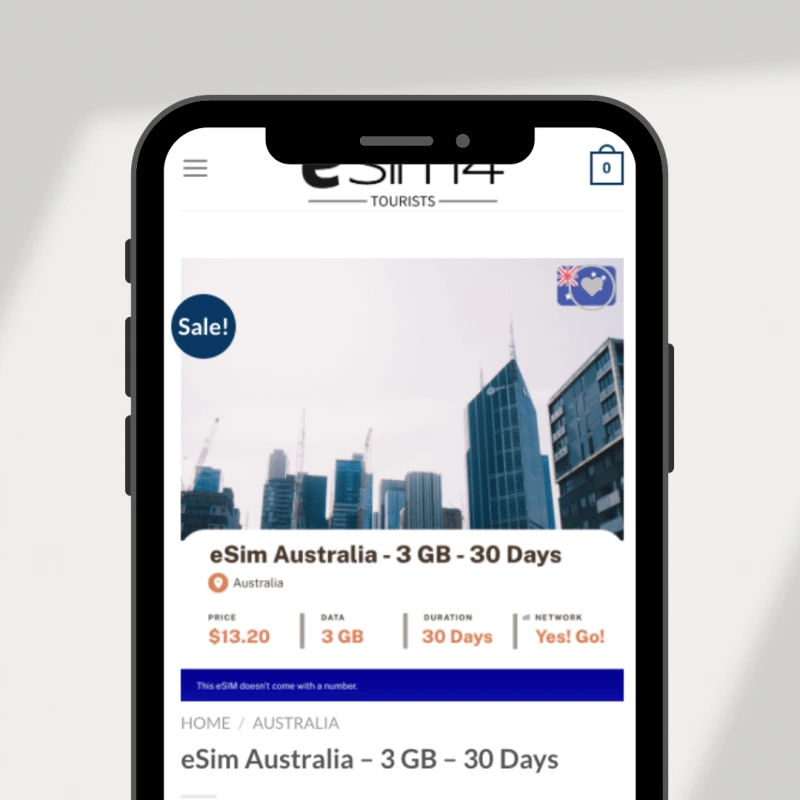
Step 1: Purchase Your eSIM Data PackYou'll receive an email with your eSIM almost instantly, no matter where you are in the world. |
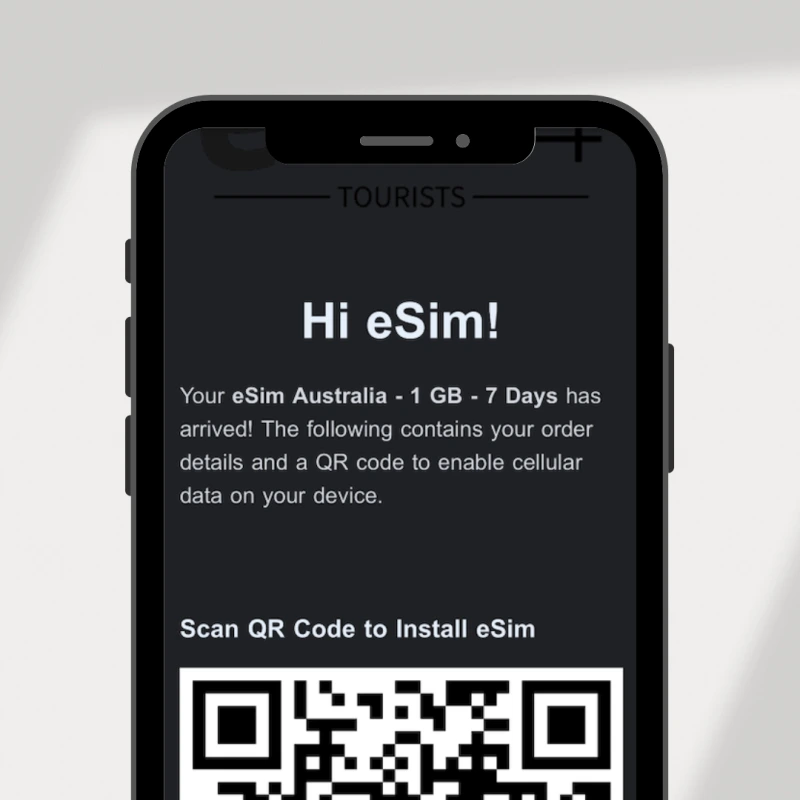
Step 2: Receive Activation DetailsYou'll get a QR code or manual installation instructions via email and WhatsApp to activate your eSIM. |
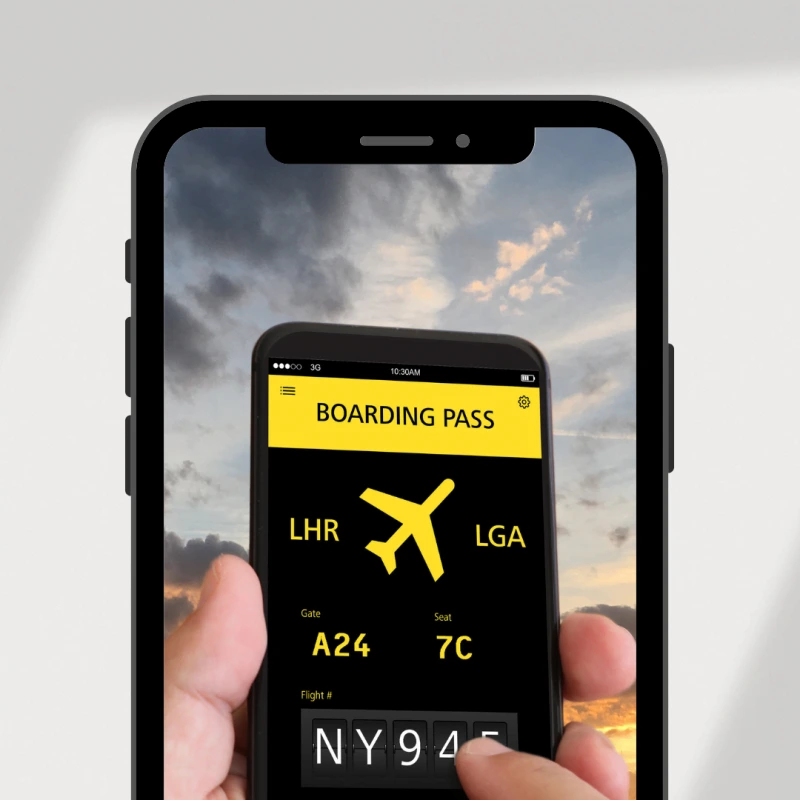
Step 3: Install And Activate Your New eSIMSet up your eSIM before your trip, and once you reach your destination, enable the data plan to start using the internet. |
Benefits Of Using eSIMply For Latin America
24/7 Customer Support
The eSIM is easy to use, but if you have questions or experience technical issues you can reach us by email or our 24 hour chat support. We're here to help.
Immediate Delivery
If you're in a rush or you're already traveling, don't worry about waiting for delivery. We send the Latin America eSIM immediately to your email, so you can connect in seconds.
Easy Activation
Set up is super easy. Simply scan the QR code that we email to you and your plan is installed, then activate your plan before you leave, all instructions will be inside our email.
Explore Latin America with Our Travel eSIMs
Latin America is a whole world of colour, flavour, and rhythm. Tango in Buenos Aires, tacos in Mexico City, ruins in Peru, and beaches in Brazil. The diversity is staggering and the energy is infectious. eSIMply's regional Latin America eSIM keeps you connected across multiple countries. Share salsa nights, navigate ancient ruins, and stay in touch from the Caribbean coast to Patagonia.
Frequently Asked Questions
An eSIM (embedded SIM) is a digital SIM card built into your device. Unlike physical SIM cards, eSIMs are programmable, allowing you to activate cellular plans digitally without needing to insert or swap physical cards. This technology offers greater flexibility for managing multiple mobile plans and switching between carriers.
Perfect for globetrotters, remote workers, and professionals needing reliable internet abroad. Avoid roaming fees, physical SIM swaps, and unstable Wi-Fi by using eSIMs to stay connected on local networks.
eSIMs offer convenience, cost savings, and adaptability. Enjoy hassle-free travel with instant access to maps, apps, and bookings.
• Light usage (navigation, messaging): 1–10GB/month
• Moderate usage (social media, browsing): 10GB+/month
• Heavy usage (streaming, downloads): 20GB+/month
Try our data calculator to get specific data numbers based on your specific online activities.
Alternatively, you can purchase a low data pack and recharge if you run out of data.
Regional eSIMs (e.g., "Asia " or "Europe") cover multiple destinations. For complex itineraries, combine regional and country-specific plans. Confirm coverage details on the product page.
No—setup is straightforward with step-by-step guides.
If you're using iOS 17 or higher you can click the link in the setup email that we send you and that will set up your eSIM - no need to scan the QR code.
Support teams are available for assistance, and a refund guarantee ensures peace of mind if issues arise.
Setup for iPhone
Setup for Android
We recommend purchasing your eSIM before you leave and activating just before you leave also. You can activate once you arrvie at your destination but you will need an internet connection to complete the activation.
You can purchase your eSIM and it will not expire. Once you activate your eSIM that's when your expiration date begins.
This excludes eSIM's for Israel. The expiration begins as soon as you purchase.
Use our compatibility guide here to check whether or not your device is eSIM-compatible. Carrier-locked devices may require unlocking so contact your provider.
1. Install via QR code (included in your eSIM’s activation email) or manually enter details.
2. For iOS: Navigate to Settings > Cellular > Add eSIM. For Android: Go to Settings > Connections > SIM Manager.
3. Activate before you leave or upon arrival by enabling the eSIM and data roaming.
Please see our setup guides here:
- eSIM set up for iPhone
- eSIM set up for Android
Please note that most mobile phones have a feature to scan a QR code without having to print out the QR code. Depending on your mobile phone you should be able to take a screen shot of the eSIM QR code that we emailed you and scan the QR code directly from your photo gallery without the need for a second phone. If you have an iPhone with IOS 17.4 you do not have to scan the QR to install the eSIM. Simply, click on “Direct Installation” link in the email that we send you which is included in the same email as the eSIM’s QR activation code and the eSIM will automatically install on your iPhone.
After installation, check your device's cellular settings—if the eSIM appears, it's installed. Test activation steps beforehand or contact support for verification.
You activate your eSIM before you leave or upon arrival at your destination but keep in mind that you will need a reliable internet connection to activate it.
The countdown begins when the eSIM connects to a local network abroad, not at purchase.
Yes, but only one can be active for data. If your device can handle more than one eSIM you can store multiple eSIMs and switch between them for different countries.
Yes, you can tether using our plans.
Once your data is finished your connection will stop. If you do run out of data, you can easily recharge online or by using the Yabb app to add more data to your eSIM at any time. Install Yabb with this link.
There is a link in the email that we send you that you can click to view and monitor your data usage. This link is on the same email with the QR code for the activation of the eSIM. You can also monitor your data usage by downloading the Yabb app and logging into your account where you have a dashboard to monitor your data as well as other great features like international calling and texting. Install Yabb with this link.
Buy multiple plans or our 90-day plans.
Your eSIM connects to top local carriers at up to 5G speeds. Coverage varies by region—review the "Network Info" tab for specifics.
Generally, all Travel eSIMs are data only and do not come with a mobile number for calls and SMS. This is why no identity and address verification documents are required to purchase travel eSIMs. If you need SMS and calls while overseas, you can install our optional app which will allow you to make and receive calls to mobile and landline numbers without incurring any international roaming charges. This app also allows you to send and receive SMS while aboard without incurring global roaming charges and allows you to buy a temporary mobile number in the country you are traveling to. You can install Yabb on your mobile with this link.
Yes—your Whatsapp number and chats remain unchanged without action.
Use messaging apps (WhatsApp, Signal) or video calls via your eSIM's data connection. You can also use our Yabb app that gives you calling and texting. You can install Yabb with this link.
Use VoIP apps (Skype, Viber) with credit, email, or ask your accommodation for assistance. Or you can use Yabb to purchase calling minutes and texting credits. Install Yabb here.
You can use our Yabb app to make cheap international calls.